Open email files on your Mac. No uploads to our servers. No broken formatting.
MessagePane is a native Mac app that opens, converts, and prints .eml and .msg files. By default, everything is processed locally—your email files are never sent to us. Optional features like remote image loading and header verification only contact the network when you explicitly turn them on.
Download on the Mac App Store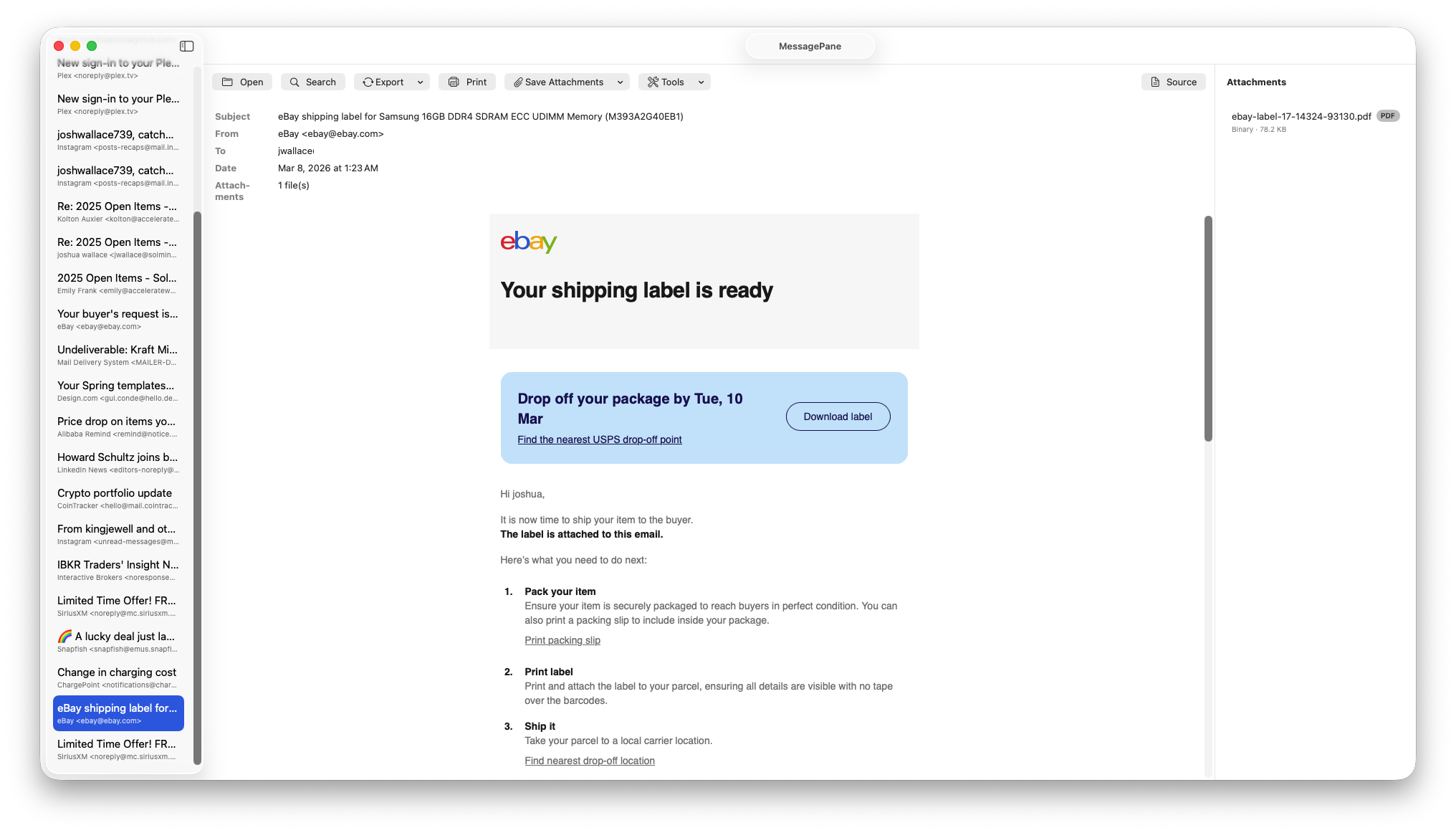
Built for privacy and productivity
Local & Private by Default
Core processing happens on your Mac. We don't track you, serve ads, or receive your email files. Remote image loading and header verification are optional features you control—off by default.
EML & MSG Support
Open standard .eml files and Outlook .msg files. Double-click, drag-and-drop, or use the File menu.
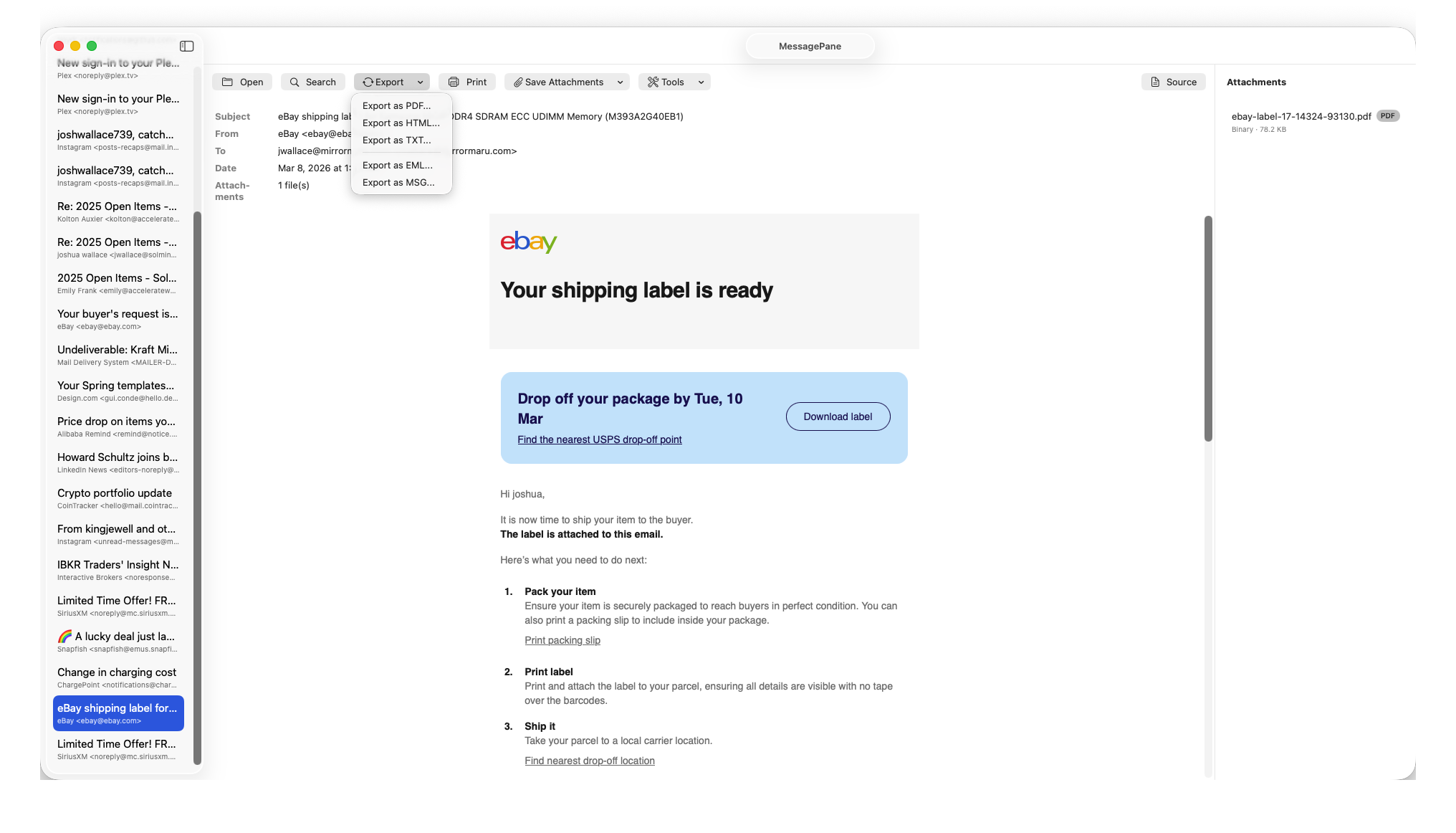
Export & Print
Export to PDF, HTML, TXT, or save the original EML. Print messages with full headers.
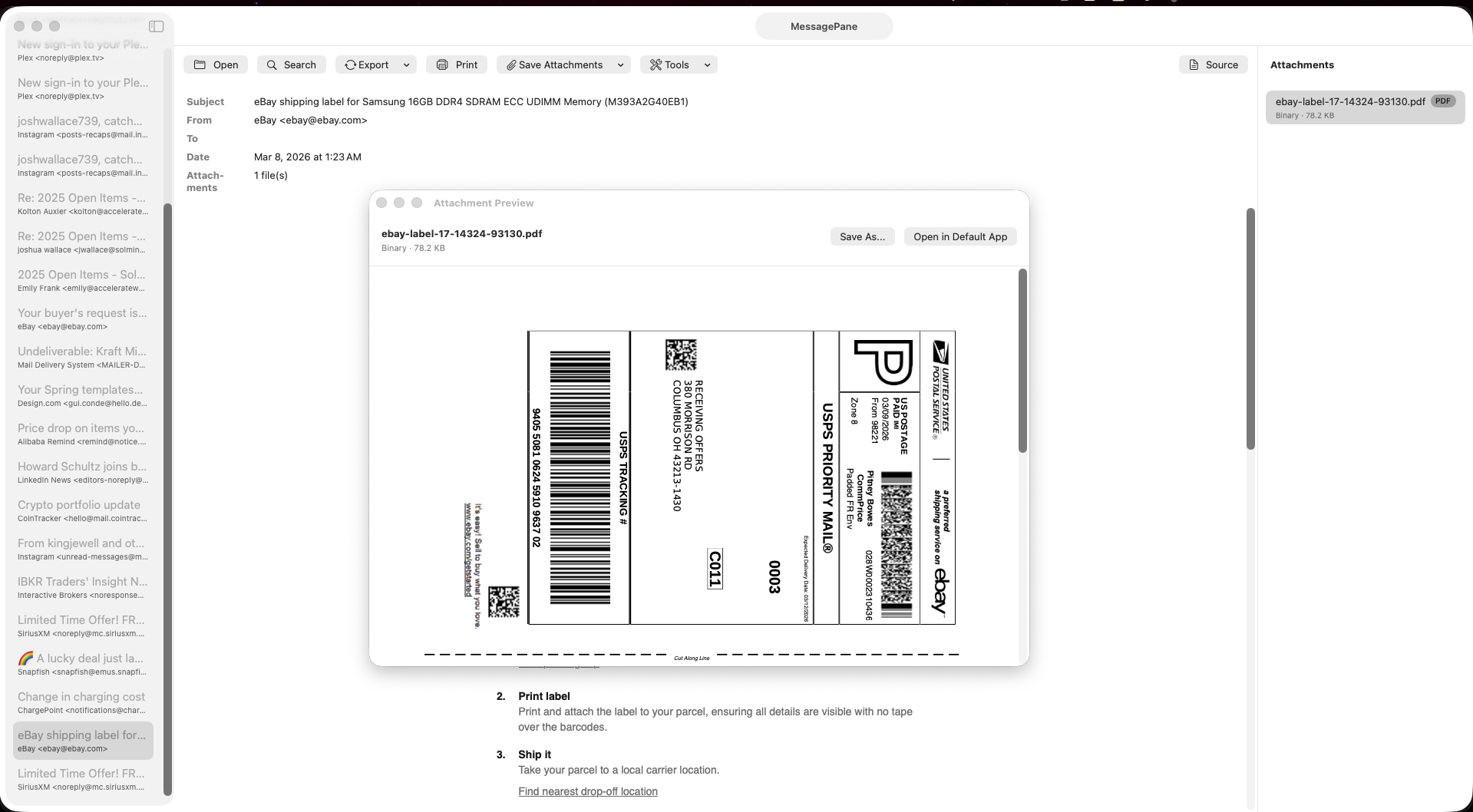
Attachments
View attachment details, save individually or all at once. Built-in preview for supported types.
Header Analyzer
Inspect email headers with the built-in analyzer.
Rich display
HTML and plain text rendering with preserved formatting.
Recover corrupted .eml or .msg files
Restore and open damaged or incomplete email files when data can be salvaged.
Detailed message information
See full metadata, participants, timestamps, and message properties in one place.
See MessagePane in action
Need help?
Send a message to support and we will get back to you.